
MetaTrader 5 (MT5) is a multi-asset trading platform for Forex, Shares, Metals, Commodities, Indices, Cryptocurrencies and their respective Contracts for Difference (CFDs). With real-time data, comprehensive charting capabilities, a wide range of order types and fast execution, MT5 enables traders to make the most out of their online CFD trading.
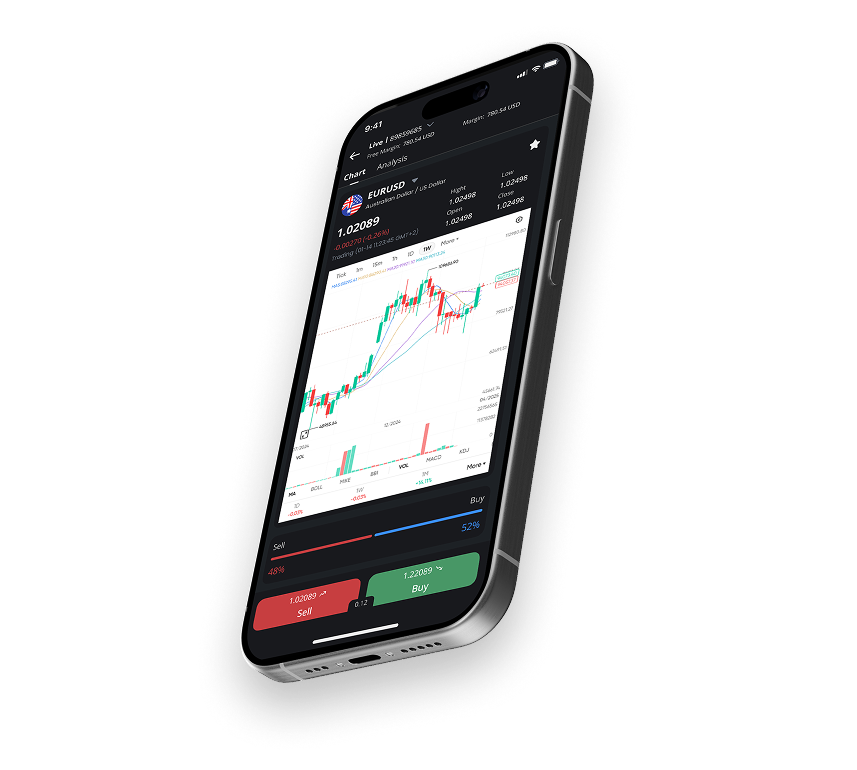
Download FXTRADING.com MT5 for PC and Mac today, or get the app for iOS and Android.
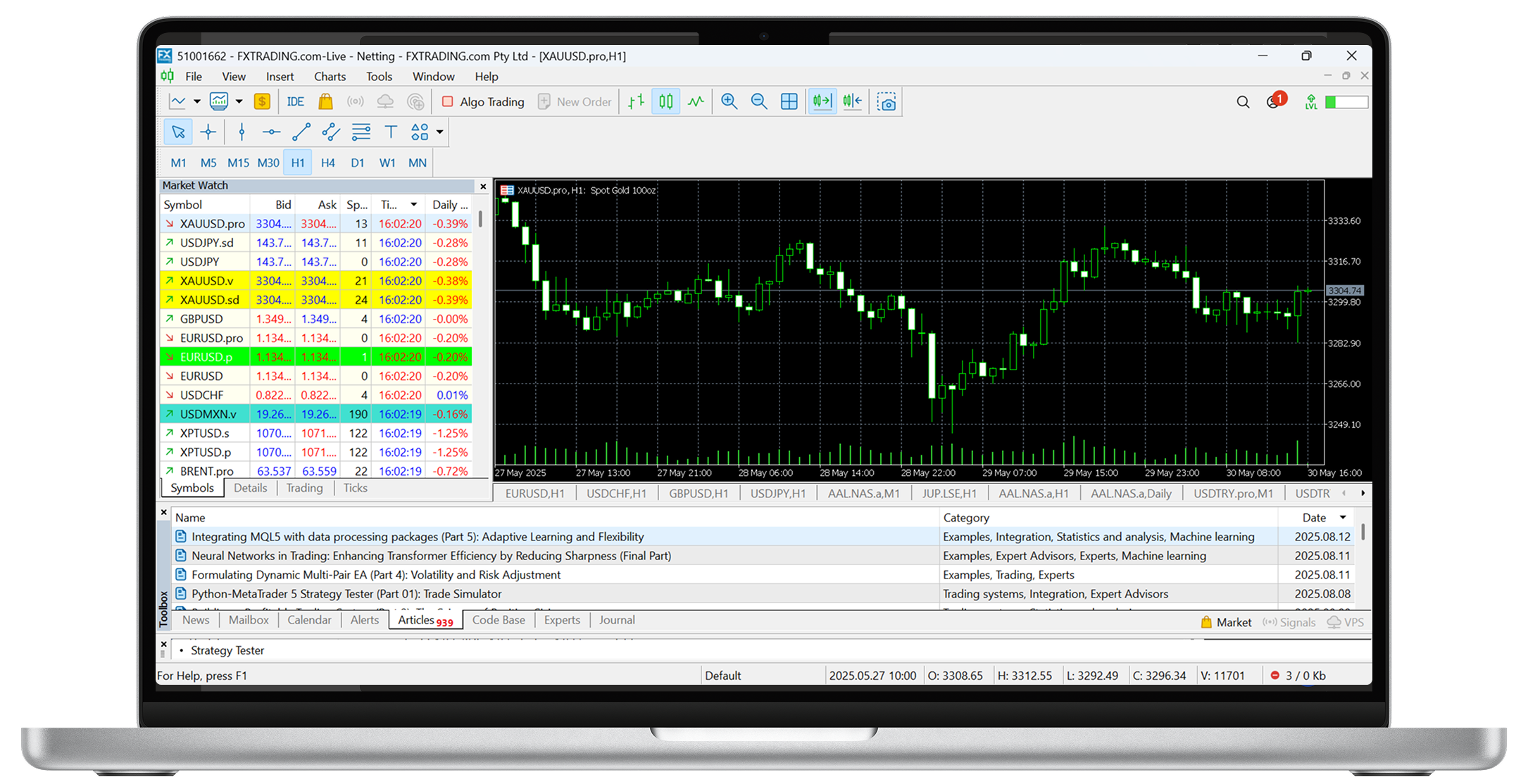

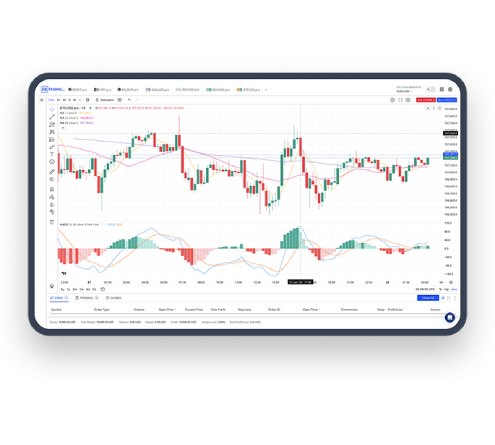
With real time data, charting suite including indicators and a range of order types, MT5 offers an improved experience where traders can analyse, trade and monitor the financial markets.
MT5 is the superior option for traders, with additional assets, more advanced Strategy Tester, new and improved coding language (MQL5) and additional timeframe options.
If you are looking for a platform to operate your trading portfolio from, MT5 is a one stop shop for all your trading needs.
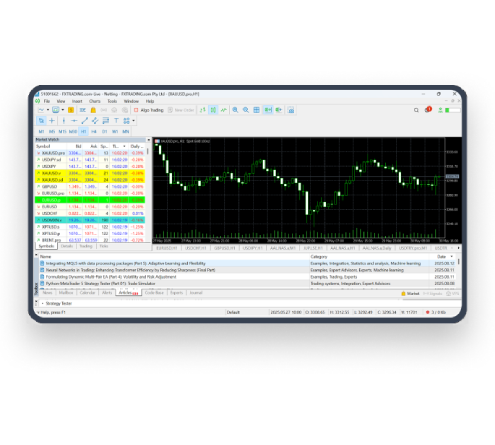


No, although MT5 looks very similar to MT4, it is a completely different platform with additional features and benefits.
MT5 is very similar to MT4 in functionality including placing orders, setting up charts and using indicators. It will be easy to transition to MT5 if you have used MT4 in the past.
While you can trade using MT5 on your mobile device, a computer may be easier for people that prefer using a mouse. You don’t need a super fast or powerful computer or laptop to run MT5, but a laptop made recently that is not in the ultra-low price range for laptops should do the trick.
Yes, MT5 is a true multi-threaded 64-bit platform. This means it runs faster and is more efficient on the CPU than MT4.
Yes, you can create, edit and compile your code using the MT5’s inbuilt MetaEditor software.
Unfortunately no. MT5 is not backwards compatible with MT4 indicators or EAs; the programming language has been redesigned and upgraded specifically for MQL5.
Yes, you can still open long and short positions, at the same time, in your chosen market.
Yes, but MT5 includes two additional pending orders (buy stop-limit and sell stop-limit).
You gain access to the thousands of markets available within the desktop edition, including forex, indices, commodities, cryptocurrencies and share market CFDs.
You need to use the MetaEditor program bundled with MT5 for PC or Mac.
No, you will need to open a dedicated MT5 account to trade via any MT5 platform.
No, for this, you would need to download the MT5 desktop edition or use our VPS (virtual private server).
Click the link to open WebTrader when you sign up for a live account or free demo, then input your user login and password. You can also bookmark that link in your browser for future use.