
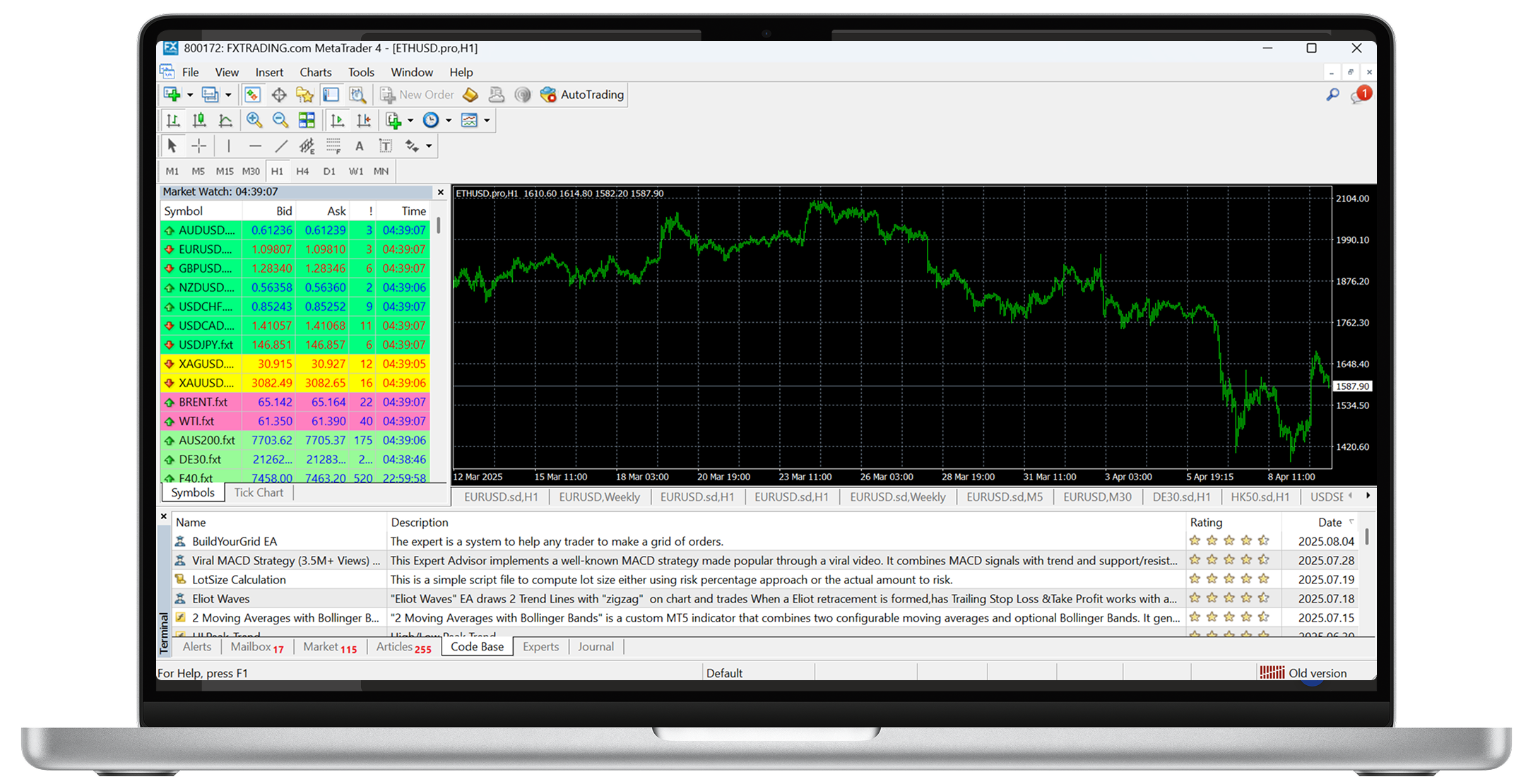

MetaTrader 4 (MT4) is a highly popular online platform for retail Forex trading. It provides interactive, easy-to-read charts for monitoring and analysing markets in real time. In addition to ease of use, MT4 also gives traders the ability to write their own trading robots.
MT4 was first developed and released in 2005 by Russia‘s MetaQuote Software Corp, and is currently licensed for use by nearly 500 brokers and banks around the world.


While MT5 offers advanced features, many traders still prefer MT4 for its simplicity and efficiency. MT4 has a more user-friendly interface, making it easier to navigate, especially for beginners. It also requires fewer system resources, allowing it to run smoothly on older or lower-end devices.
Optimized specifically for forex trading, MT4 remains a top choice for currency traders. Additionally, it has a larger library of Expert Advisors (EAs) and custom indicators, making it a preferred platform for automated trading strategies.
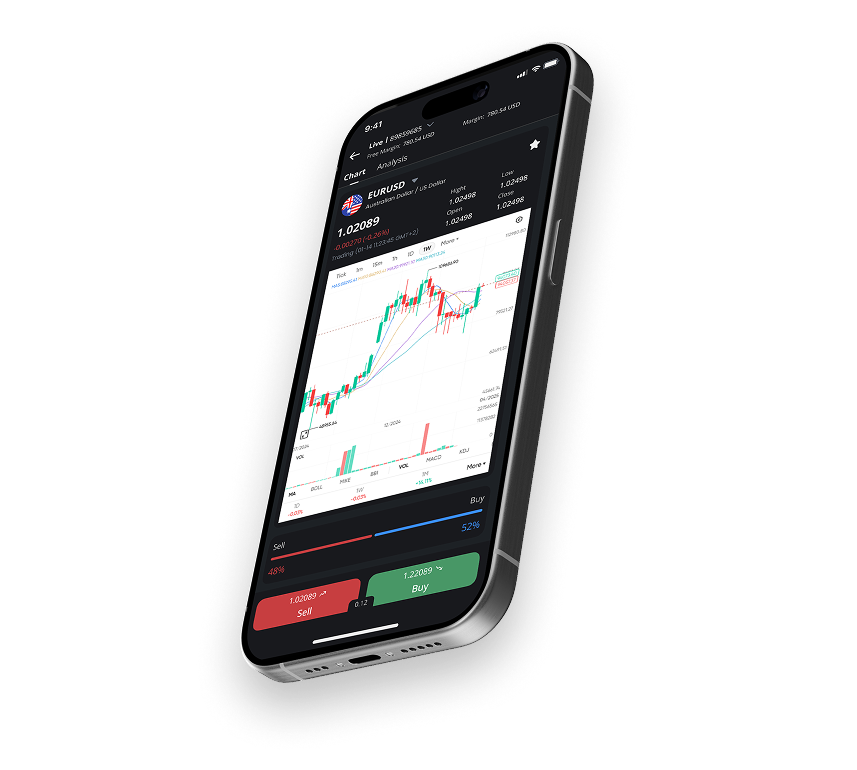
Lastly, it is also available on all platforms—traders can download Metatrader 4 for PC or Mac, or as an app on iOS or Android.


Upon successful registration, you will have received an account approval email notification containing the Live trading account login name and password (i.e., login name “8*****” and password is “XXXXX”).
Now, open your MT4 platform. Note: the system might ask you to open an account. You can click “X” to exit this page if necessary. On the top left corner of the platform, select “File“, “Login” and then type your login name and password. Next, type or select “FXTRADING.com-Live” in the Server field, then click login. When you hear a confirmation sound (a ‘ding’), your account number will appear in the upper left corner. If the Market Watch prices are regularly refreshing, and the correct balance is showing in the terminal section, you have successfully logged into your real account.
Login to your MT4 Platform, right-click in the quotation window, and select “Show All“. From here, you will be able to see all the currency pairs
Once your online account application has been completed and approved, you will receive an email notifying the account is open, along with your account number, password and instructions on how to access the account.
Yes, MetaTrader 4 supports hedging. You can still open both long and short positions in your chosen market. For example, you can hedge one lot of long EUR/USD by selling (shorting), as well as one lot of EUR/USD.
No, the MetaTrader 4 (MT4) platform for Mac offers the same full functionality as the PC version. You will have access to all the same trading tools, charting capabilities, indicators, and the ability to use Expert Advisors (EAs) on both operating systems.
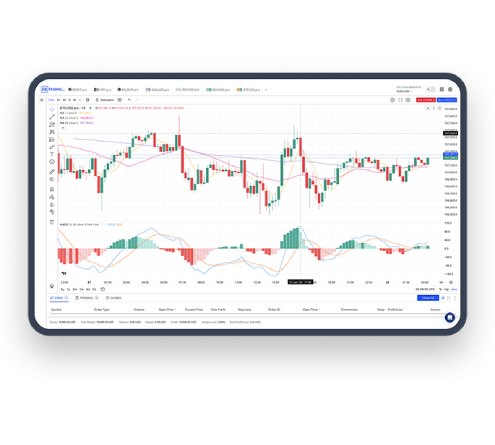
The FXTRADING.com MT4 WebTrader is a web-based application/platform that allows you to access all of your MT4 account types directly from a browser. Of course, this means worldwide access.
In this way, you gain full access to the markets available within the desktop edition, including Forex, indices, commodities, cryptocurrencies and share market CFDs.
Click here to open FXTRADING.com WebTrader. Enter your user login (trading account No.) and password and select the appropriate Server to sign up. Bookmarks are handy for saving your link for later usage.
If you hold your position overnight on a Wednesday, you may have to pay or receive triple interest. In line with international banking practices, foreign exchange transactions are settled two trading days later, so overnight interest is calculated for the settlement date. Therefore, three days of interest is calculated on Wednesday at market close to account for the markets being closed for two days over the weekend.
You can see the interest directly within the MT4 platform.
Right-click on the quotation window and select “specification” for your chosen market; next, the contract specification window will pop up. From here, you will see the interest coming under “Swap long” and “Swap short“.